




























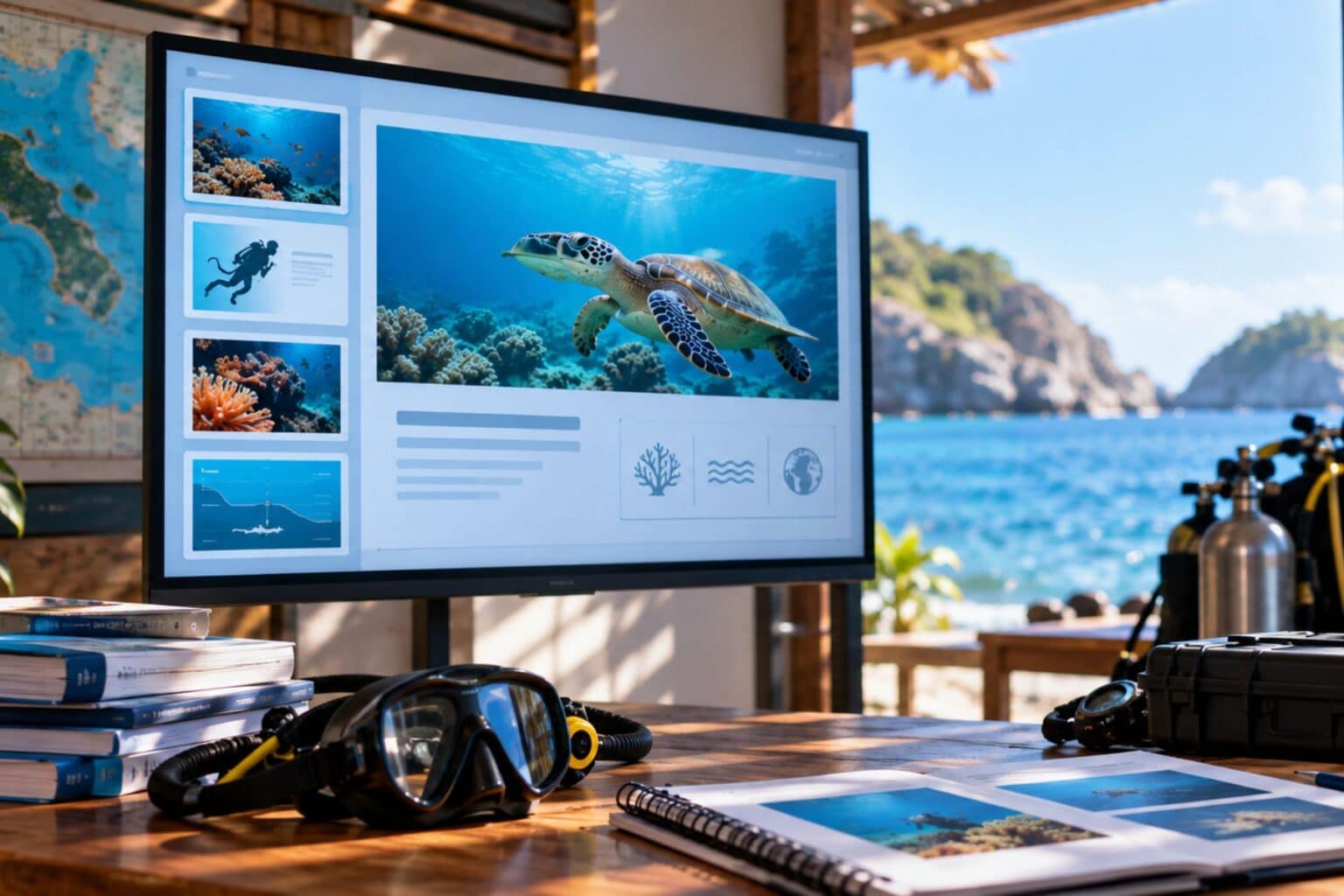
How Diving Instructors Can Use AI to Create Better Training Presentations
Two things make or break a scuba diving training session: what happens underwater and what happens in the classroom beforehand. Most diving instructors get the first part right. They know the ocean, the equipment, the safety procedures. The classroom aspect? That’s when it gets hard.
Outdated 2014 slideshows with clip art oxygen tanks Bullet point walls that bore students to death before they even pick up a regulator. Scanned hand-drawn diagrams at strange angles. The instructors who update their presentations find genuine improvements in how pupils assimilate the content – diving training needs improved visual resources.
Now even an instructor with no design skills may create examples of professional training slides in only minutes. The technology has answered the requirement and you don’t need to be a graphic designer to reap the benefits.
Turn Training Notes Into Full Deck
Most instructors are instructors because they love the water. Fighting with PowerPoint at 10 PM on a Sunday? Not quite what anyone got certified.
AI presentation tools for educators reduce that friction substantially. You give the tool your content, whether it’s a topic outline, your PADI course notes, or a text file containing your curriculum structure.
The AI puts all of that into slides with the right arrangement and visual hierarchy. No dragging boxes. No more hunting for the correct font size. This method works best when instructors already have written training materials. Upload your existing notes or files into Decksy and the AI slideshow generator creates a structured outline that you can change before the whole deck develops. The output downloads as PPT or PDF, opens clean in PowerPoint, Google Slides or Keynote. The basic idea is to spend less time formatting slides, and more time on what really matters: your students and the ocean.
What Strong Training Slides Really Cover
A particular content structure is needed for scuba diving education. Certification agencies need certain topics and the sequence is important for student safety. A well-built training slide deck will organically flow through this sequence.
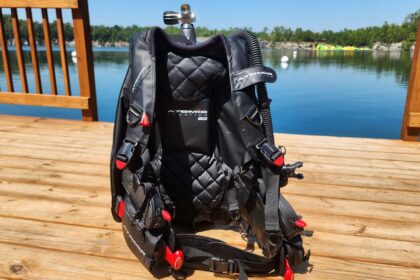
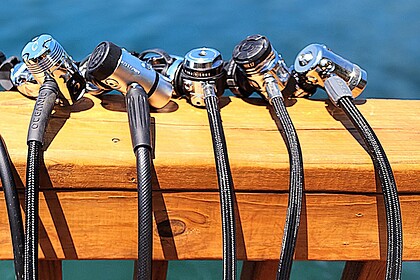
- Equipment overview – Diagrams of BCD, regulator, gauges and tank assembly labeled. Clear callouts will surpass factory photos every day.
- Hand Signals – Photos in sequence, 4-5 signals each slide maximum. Twenty to one slide? None of them are remembered.
- Dive Planning – Depth/Time tables and No-Decompression limits spread over numerous slides. The whole RDP on one slide is a surefire way to lose the room.
- Emergency procedures – Flowcharts in sequential numbering. Text-only descriptions are not enough here, because the brain needs spatial memory cues to retrieve information from underwater.
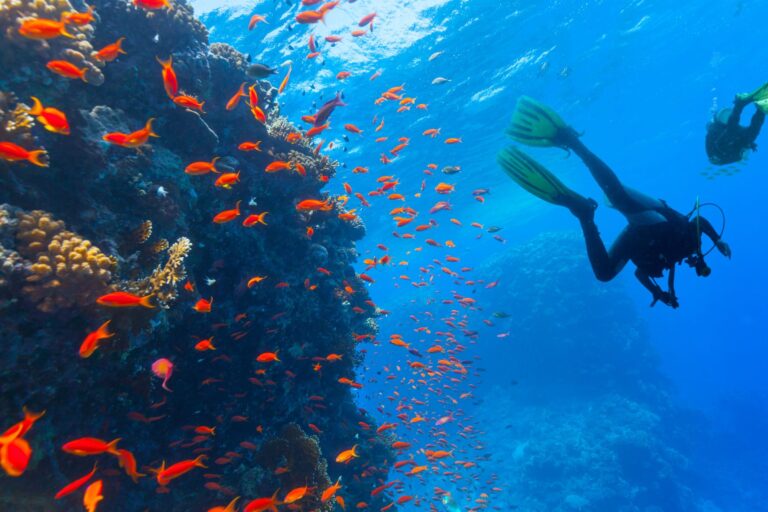
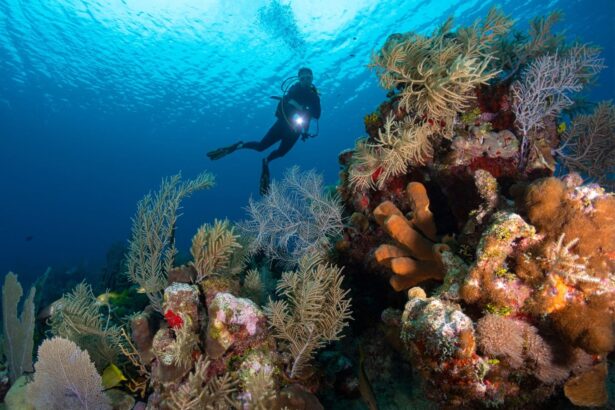
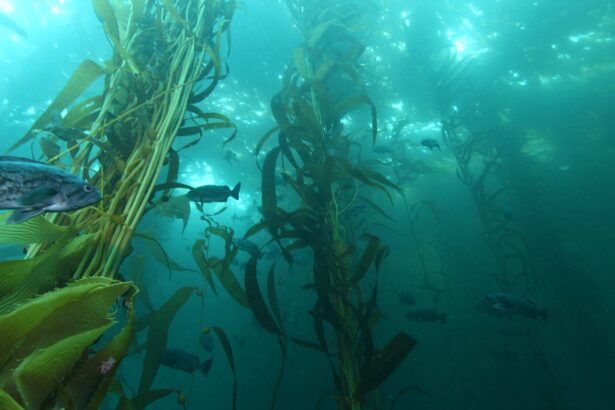
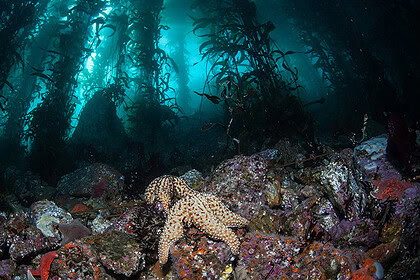
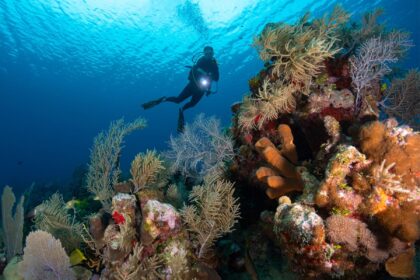
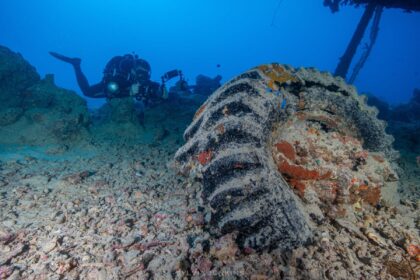
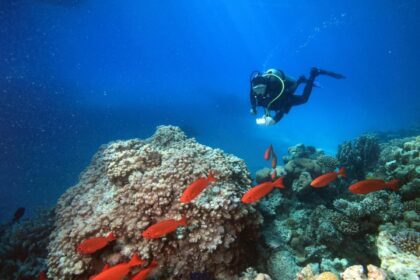
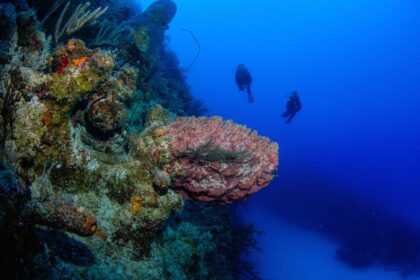
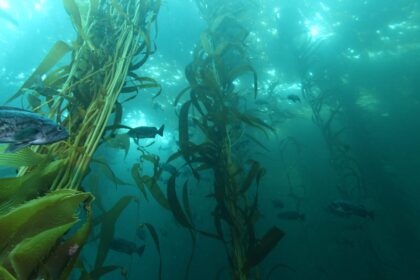
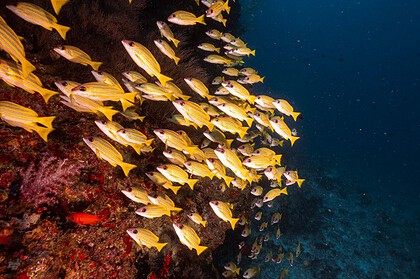
- Marine environment – Local species, conservation comments, site specific characteristics. In cold water teaching, your own underwater photos are better than generic shots of tropical reefs.
Each module has its own visual vocabulary. Equipment needs clear diagrams. Safety content needs numbering sequences. Marine life is the perfect fit for the kind of photography that students will actually be doing at local venues.
Practical Tips That Actually Make a Difference
Instructors learn that after a few semesters of teaching, the slides matter less than you think, and more than you think. They are not the teaching. But terrible slides actively oppose the lesson.
Use as few words as possible. The slide is a visual anchor. Students should be listening to you. The greatest training powerpoint presentation examples use the “6-word rule” — no bullet point longer than six words. 3 simple points, with a clear image > 2 paragraphs every time. Each time.
Try your colors in the actual space. Blue writing on dark blue gets lost on projectors in bright rooms. Many diving shops have classrooms with large windows that allow the afternoon sun to shine in. White or yellow lettering on dark backgrounds is a safe choice across many screen kinds. For new venues, save a high contrast backup version.
Use your own images wherever you can. Sure, stock underwater photography looks slick. But a picture of the actual reef your students will be visiting tomorrow morning? That connects the classroom and the sea in a way generic visuals never will. A good phone photo from your previous dive trumps a flawless stock image of somewhere your students have never been.
Three Mistakes to Steer Clear of
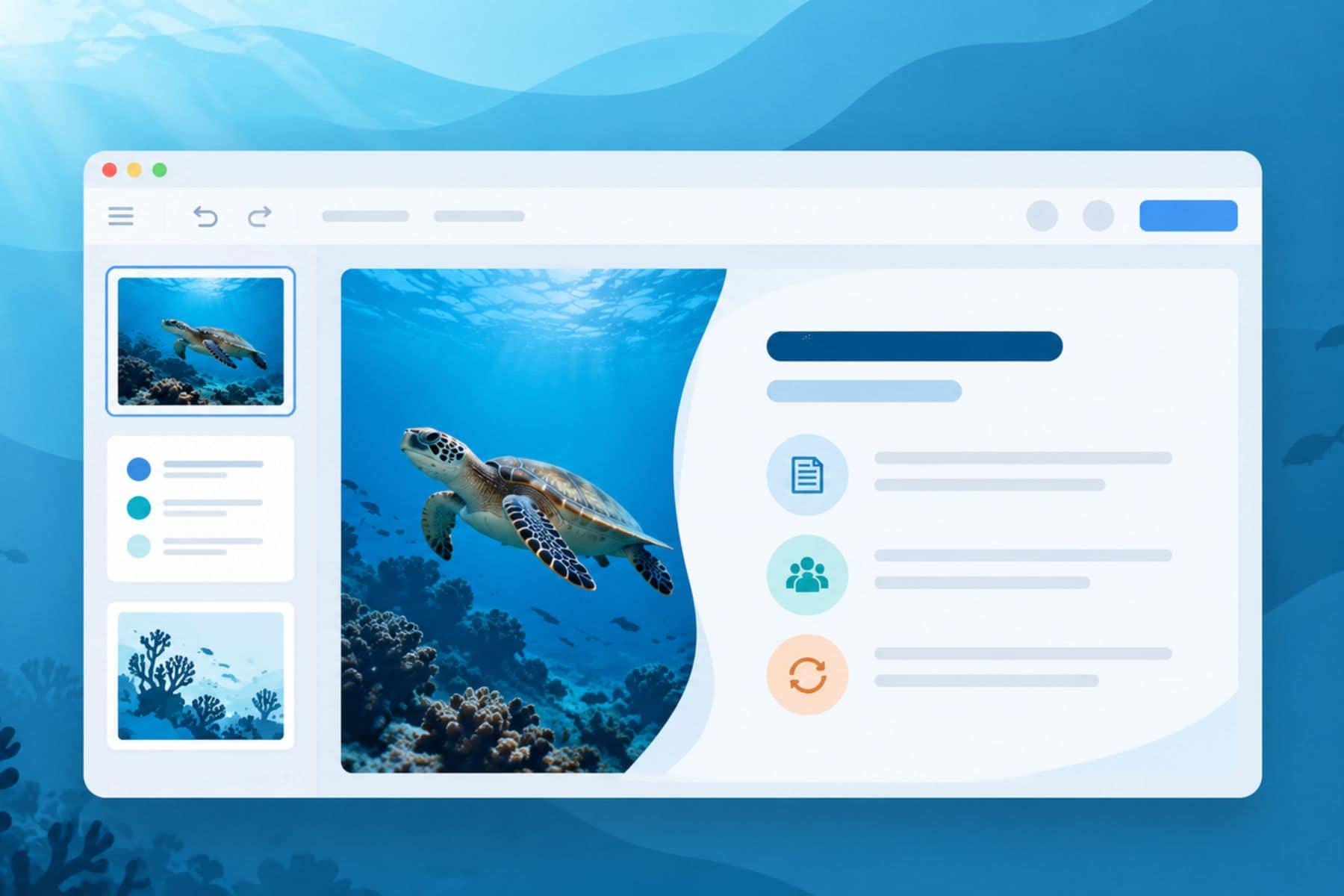
Too much text on slide. Safety stuff that is serious is taught in the classroom. The instinct is to throw everything up on the screen. Combat that instinct. Your slides support the teaching, they are not the teaching.
One deck fits everybody. A 14-year-old doing Junior Open Water and a 45-year-old career-changer undertaking Rescue Diver need completely different visual techniques. The content may overlap. But the presenting style must not be.
All old news. Change of equipment. Update on certification standards. Dive locations change. A training presentation featuring pictures from five years ago tells pupils that you haven’t updated your resources since then. There truly is no reason now, AI slideshow makers are fast enough.
How to Schedule a Full Training Day
A typical Open Water classroom lesson is four to five hours and divided into several parts. That’s a lot of screen time, and the slides have to hold attention without visual fatigue.
Morning: Theoretical and Equipment
The first couple of hours are the tough ones. Physics of pressure, physiology, Equipment identification & assembly. Place best graphics in the front, when student focus is highest. The notions of pressure do really need illustrations or animations, because they are abstract enough that words alone don’t stick. Equipment slides are best done as a photo sequence, step by step, from the student’s, not the instructor’s, perspective.
Afternoon: Getting Into Practice
After lunch, transition into dive planning, buddy procedures and emergency scenarios. Energy levels fall, thus interactive elements get their due here. Module Quiz slides across modules. A brief “identify this hand signal” round wakes the room up, and gets students involved instead of watching the clock.
Always finish each module with a summary slide of three take-aways. Three is the max. Students take pictures of them with their phones to review later, thus good formatting here is more important than anyplace else in the deck.
Why Your Deck Needs Short Video Clips
A 15 second video of correct fin pivot technique is a better teacher than 3 static slides showing the same thing. Moving skills require moving visuals. But clips should be less than 30 seconds. Longer films can break the flow of the presentation and risk losing the classroom momentum you worked hard to establish.
Adapt Content for Each Certification Level
Open Water pupils require straightforward, clear graphics, no jargon. Advanced and Rescue students are comfortable with more complicated diagrams. Divemaster candidates benefit from slides that include instructional approach as well as technical content.
A system that saves time in real time:
- Build one master deck for each certification course with all possible information
- Create abbreviations for Refresher Courses and Discover Scuba sessions
- Tag slides by difficulty, so you can pick out the proper set for each group in minutes
Build once. And. Adapt often. The modular approach means a new student group doesn’t have to start from scratch a new deck. Just the correct choice from the books you already own.
The Bottom Line
The scuba diving training presentations influence how pupils learn the safety protocols that they will use when they dive below. The classroom experience is more important than most teachers realize, and excellent slides add to that experience in ways that are hard to quantify but easy to feel.
You have the knowledge and the curriculum notes. You don’t have to be a designer or spend the nights in PowerPoint to make things look good. The students who walk into your next Open Water session deserve slides as good as the teaching you offer in the water. And you know what? You deserve to spend your Sunday nites doing something other than staring at a laptop screen, moving text boxes around.