






































Not sure which to pick?
Four quick questions about how you dive. We shortlist the computers that fit.
Question 1 of 4
How much do you dive?
Start with a clear display and nitrox support, then learn your computer before your next dive.
Question 2 of 4
What matters most?
Look for a large, high-contrast display and simple buttons; our reviews cover readability and menus.
Question 3 of 4
Budget?
Spend on the features you will use; a straightforward nitrox computer may cover your diving.
Question 4 of 4
Where do you dive?
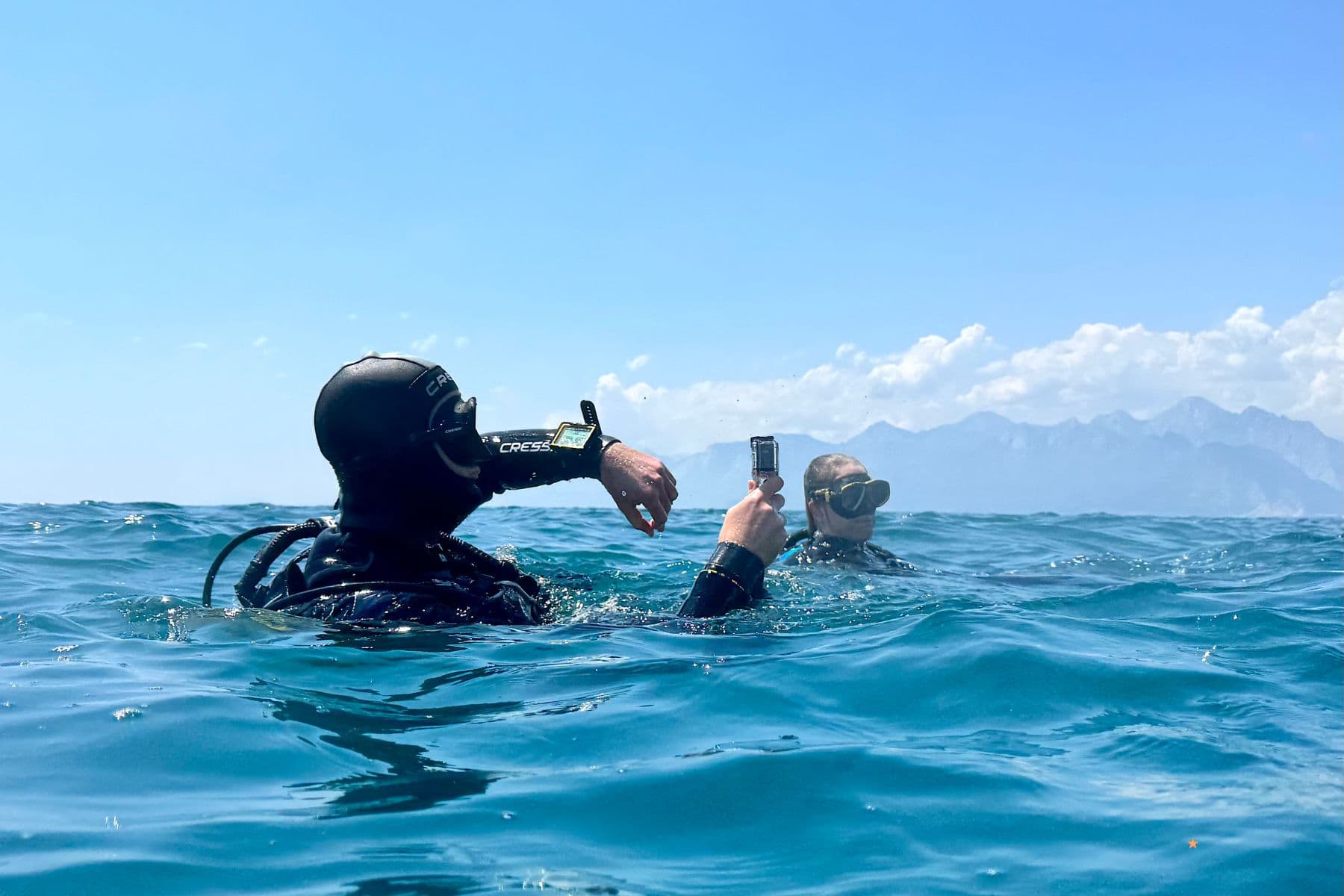
Check readability in bright sun and pack the right charging cable or spare battery.
All dive computers
Prices checked daily.
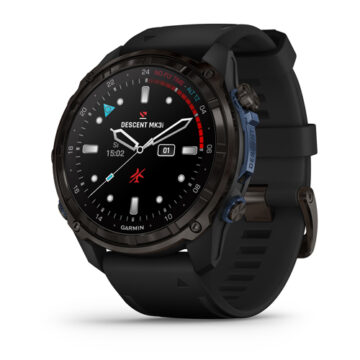


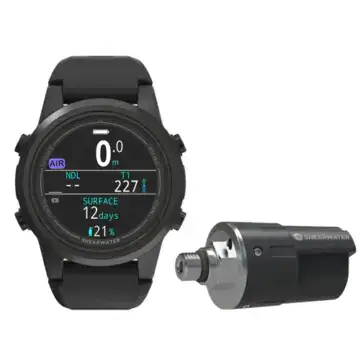
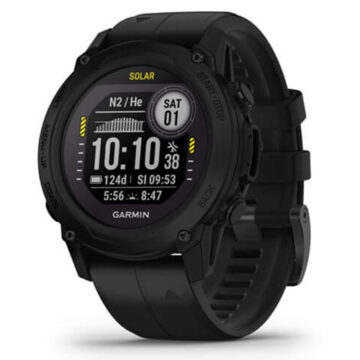
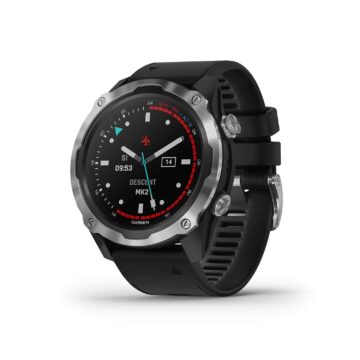
Garmin Descent Mk2 Watch-Style Dive Computer Stainless Steel
Best for: Freedive, Tech, Travel
$1,299.99
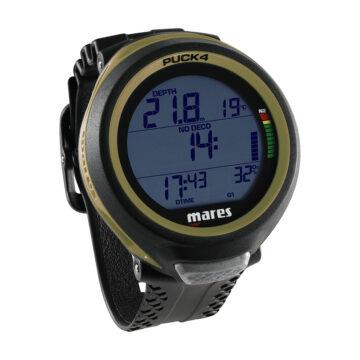
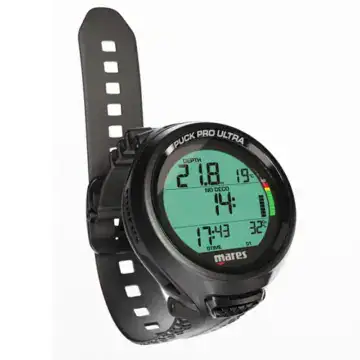
Mares Puck 4 Wrist Dive Computer — Black/Olive
No shop prices to compare right now
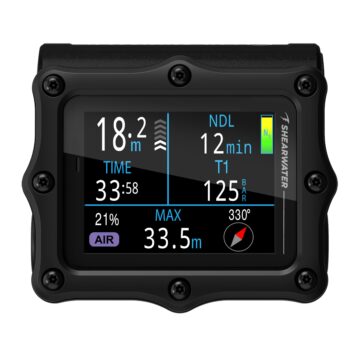
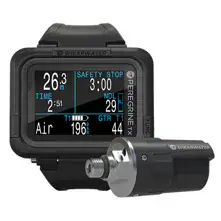
Shearwater Perdix 3 Dive Computer — Black / Computer Only
No shop prices to compare right now
Find your type
Read our dive computer buying guide →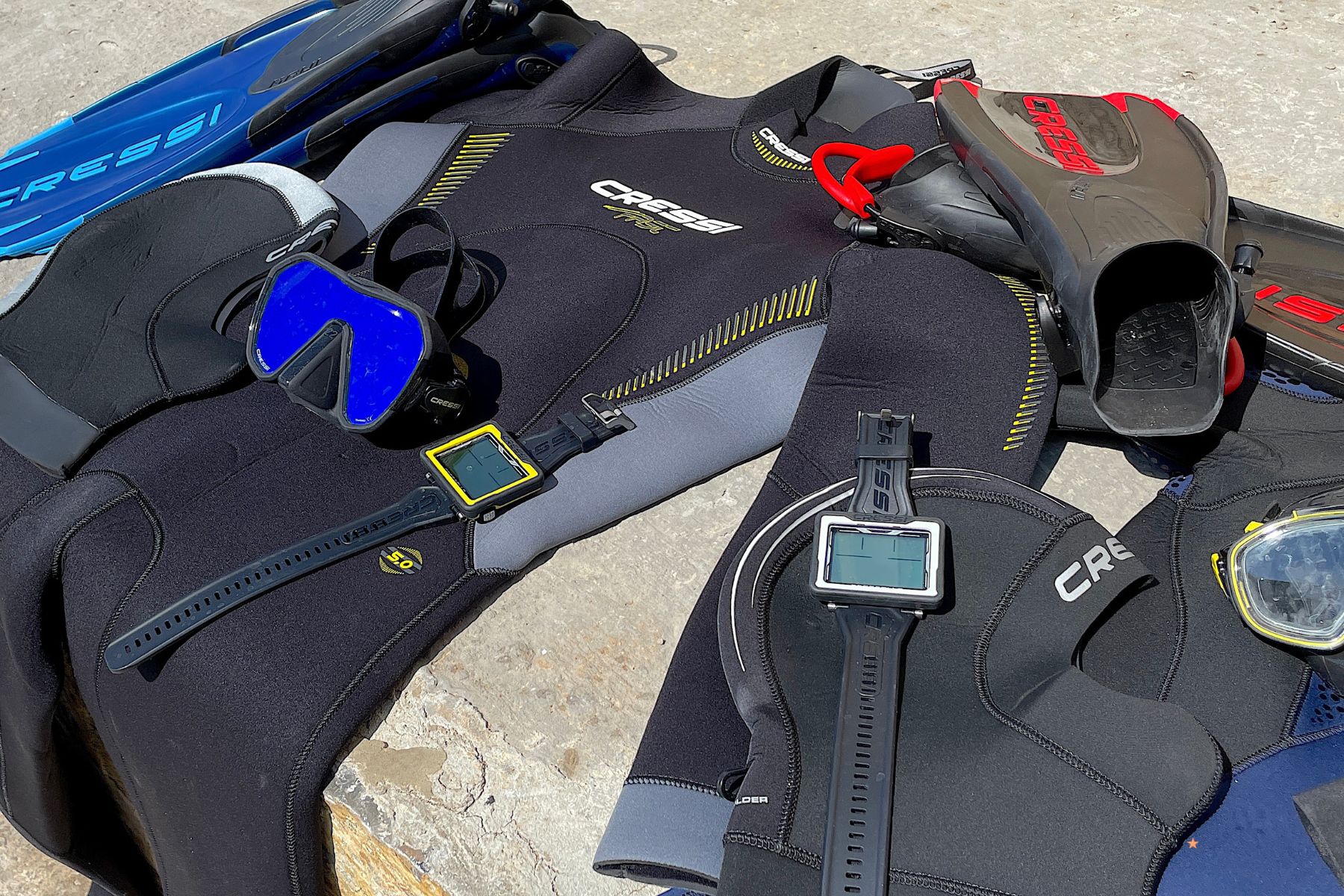

What to consider
Wrist or watch
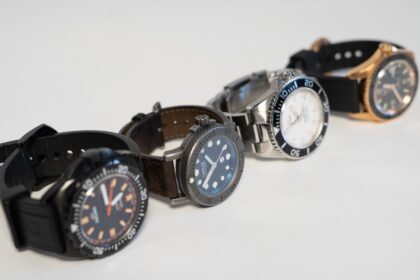
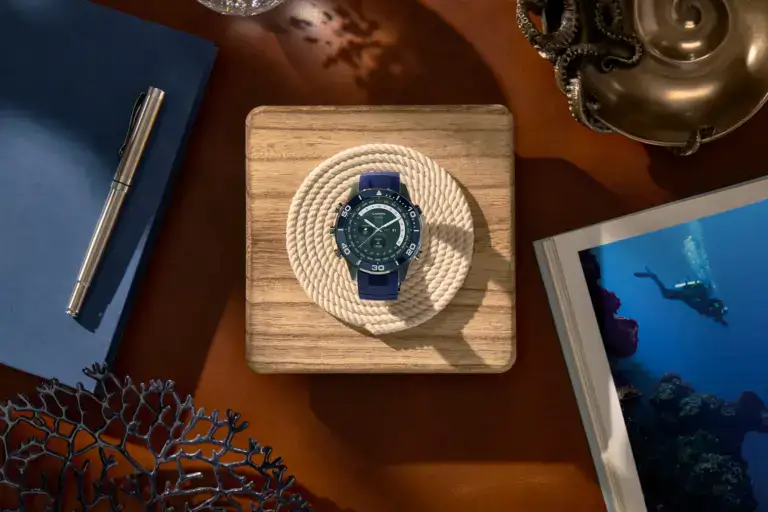
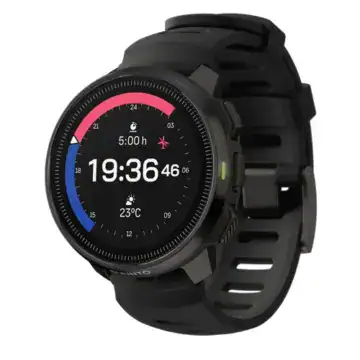
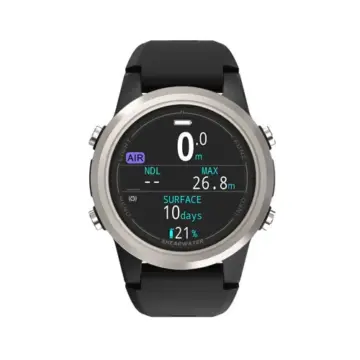
Big wrist screens are easiest to read and usually cheaper. Watch styles double as your everyday watch.
Air integration
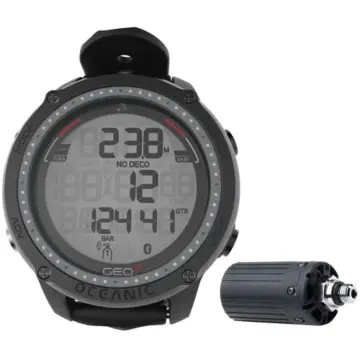
A transmitter shows tank pressure on your wrist. It adds cost; you still dive with a gauge.
Gases
Air and nitrox cover recreational diving. Pay for multi-gas only if tech training is in your plans.
Screen and battery
Colour screens are sharpest but need charging on a trip. Simple screens run for years.
Compare prices on 27 dive computers in one place. Each model shows who sells it and for how much, and the filters cut the list down to the features you actually dive with.
Short on time? Start with style: a big-screen wrist computer or a watch you will wear every day. Then decide whether you need air integration or more than one gas. The filters do the rest, and our dive computer buying guide has the models we tested underwater.
Buying advice
New divers: keep it simple
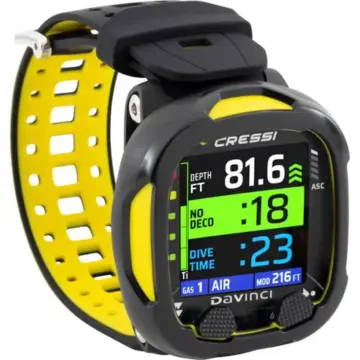
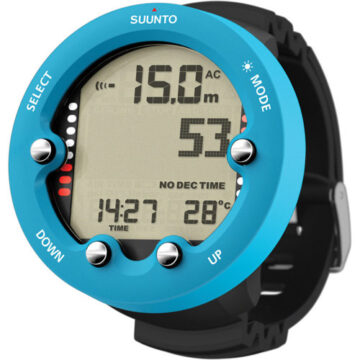
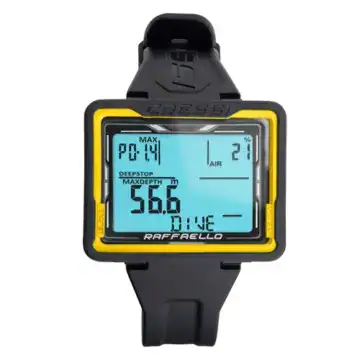
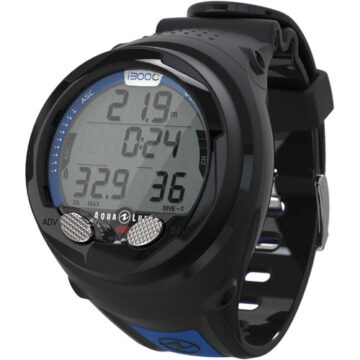
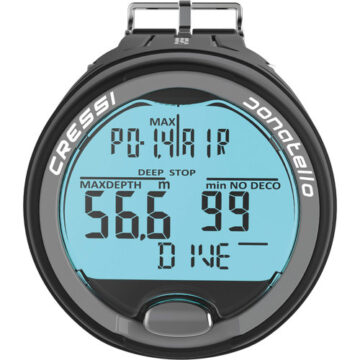
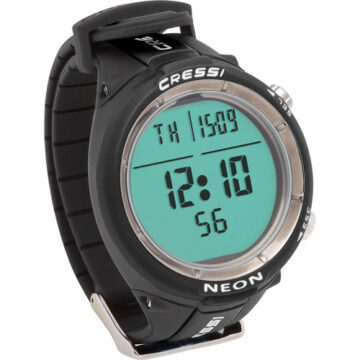
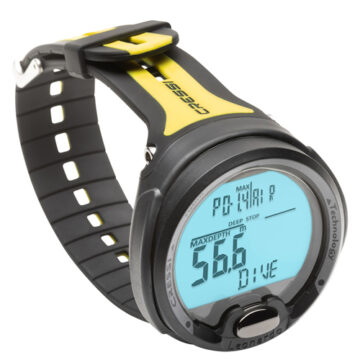
If you are newly certified, buy a computer you can read and operate without thinking. Our testers point beginners to the Suunto Zoop Novo, Cressi Donatello, Cressi Leonardo 2.0 and Cressi Neon: large high-contrast screens, few buttons, air and nitrox. The Aqualung i300C is another uncomplicated, affordable option, and the Cressi Da Vinci adds a color screen and is the easiest computer we have tested in a long time.
Skip air integration for now. It is a nice upgrade, not a must, and leaving it out is an easy way to save money on your first kit.
Regular and traveling divers: a watch you will wear
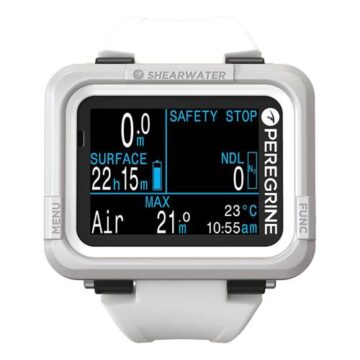
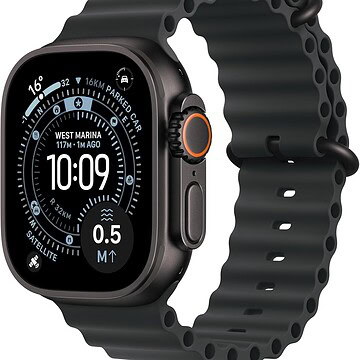
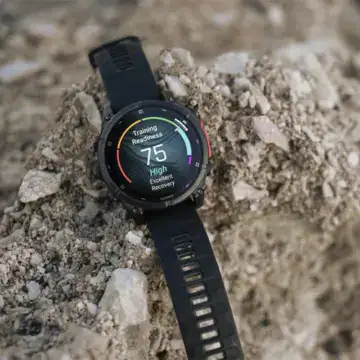
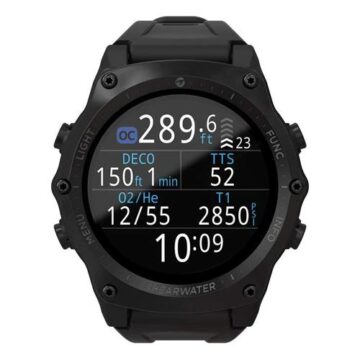
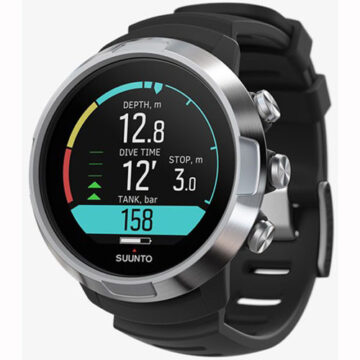
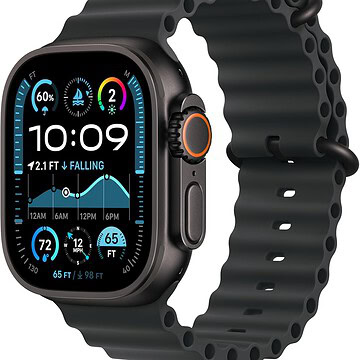
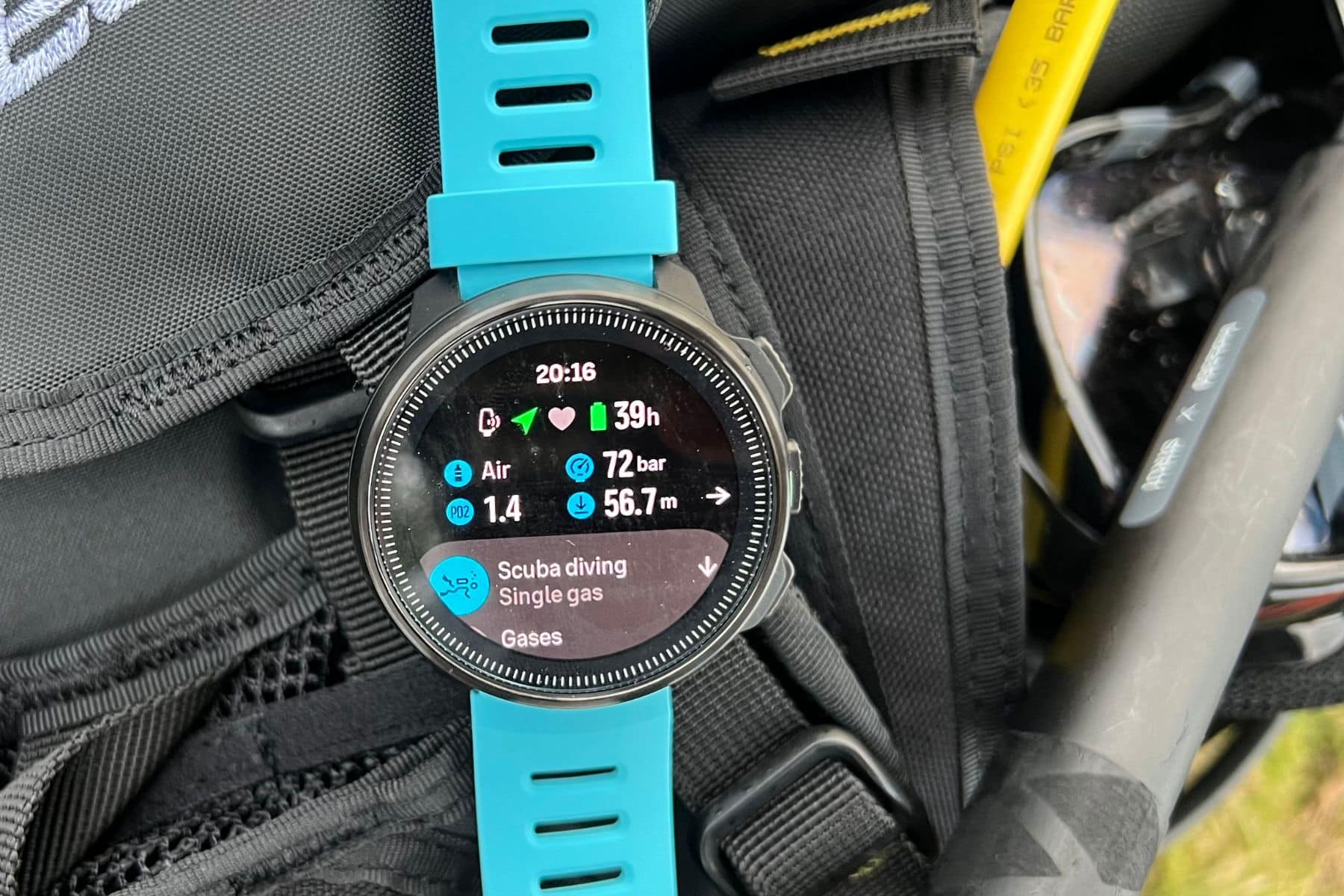
A watch-style computer goes on at the airport and stays on. The Shearwater Tern and Peregrine give recreational divers Shearwater's clear screen and menus. Garmin's Descent models and the Apple Watch Ultra with the Oceanic+ app add full smartwatch features on land. The trade-off is a rechargeable battery, so pack the charger. The Apple Watch also stops tracking past 130 feet (40 m), so it suits divers who know they will stay recreational.
Heading toward tech diving
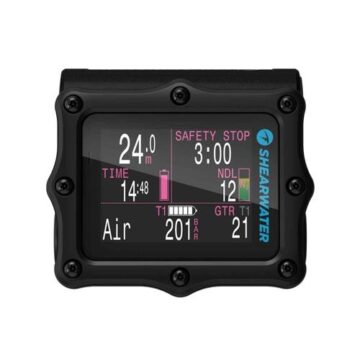
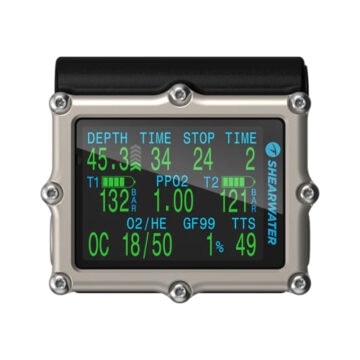
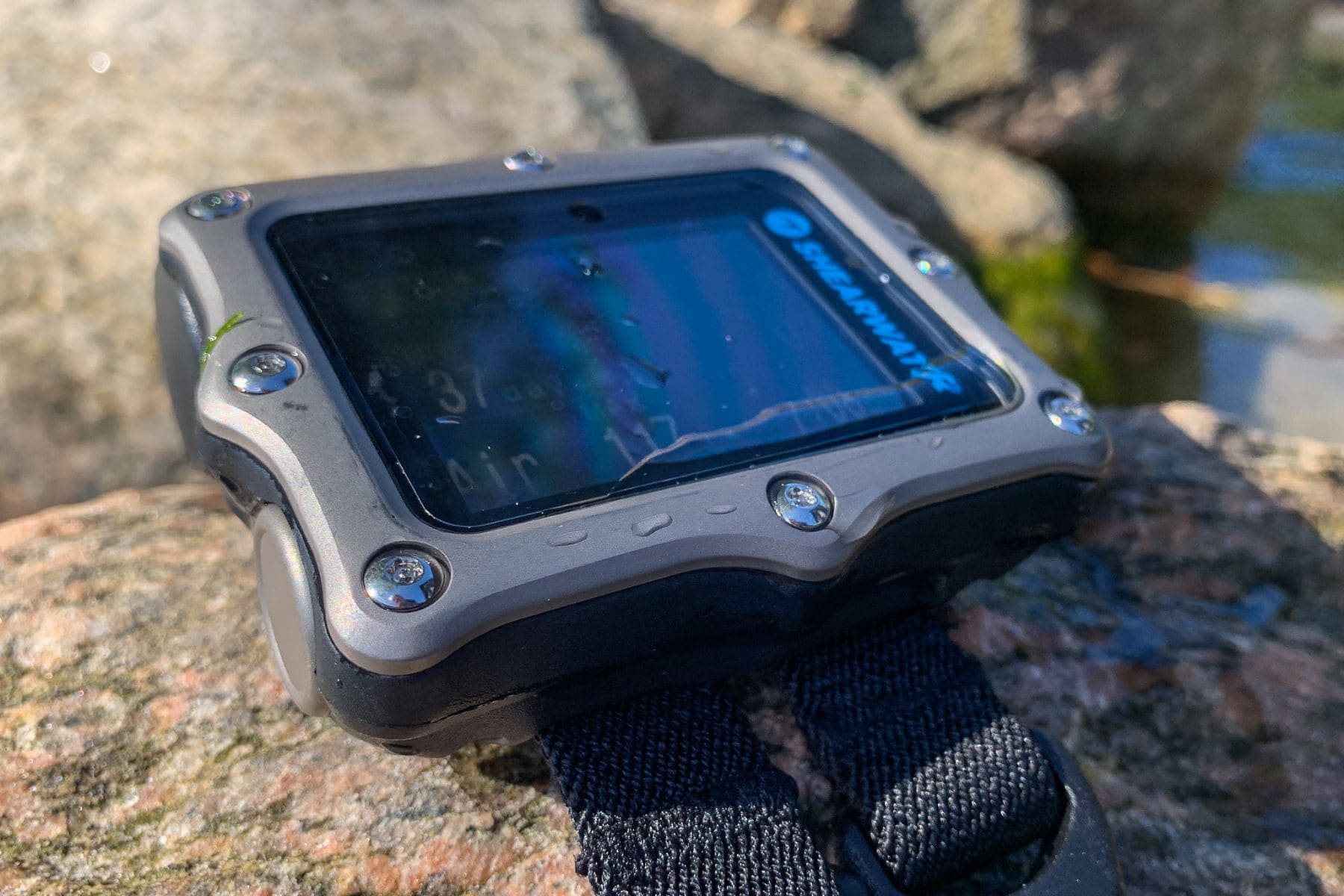
If deeper dives or trimix are in your plans, buy for them now so you do not buy twice. Every Shearwater is a computer you can grow into. The Shearwater Perdix 2 and Garmin Descent Mk3i sit at the top and handle extreme technical diving, and the Shearwater Teric puts the Perdix 2 brain in a watch. The Garmin Descent G1 and G2 bring multi-gas and rebreather modes for less than the Mk3i.
Be honest about your diving, though. A Perdix 2 will serve a vacation diver who stays above 80 feet (25 m) very well, but you are paying for features you will not use.
How much to spend
Under $500 buys everything most recreational divers need, nitrox included. Spend more and you are paying for a color screen, air integration, more gases or smartwatch features. None of that makes a computer safer: entry-level models from trusted brands follow the same core safety principles, and how you use it matters more than what it cost.
Frequently asked questions
Do I need air integration?
Not to get started. Air integration pairs your computer with a transmitter on the first stage, so you see tank pressure, remaining gas time and air consumption in real time. It is a useful upgrade, but it costs more and the transmitter is extra. Keep diving with a pressure gauge either way: a transmitter is an add-on, not a replacement.
Nitrox or multi-gas: which do I need?
Most computers include a nitrox mode, and that covers recreational diving. Multi-gas, trimix and rebreather modes are for technical diving past 130 feet (40 m). A computer that can physically handle the depth is not enough: it needs the software for deep diving, such as multiple decompression gases or trimix.
Watch-style or dedicated dive computer?
A watch-style computer is easy to wear every day, and Garmin and Apple models work as full smartwatches on land. A dedicated wrist computer usually gives you a bigger screen for less money, often with a battery that lasts years. Only use a smartwatch that is designed and rated for scuba, and note that the Apple Watch Ultra needs an active Oceanic+ subscription to work in dive mode.
How much should a first dive computer cost?
Under $500 gets you everything most recreational divers need, including nitrox. Look for a clear display, simple controls and a trusted brand rather than extra features. A more expensive computer is not safer, it just does more.
Do I really need my own dive computer?
Not to start, but it is a smart buy if you dive regularly. Using the same computer on every dive means you know its alerts and how it behaves, which makes it safer and more consistent than a different rental each trip.
How do the prices on this page work?
We list what several US shops charge for each dive computer and link you straight to the shop, where you buy. Prices and stock change, so check the final price at the shop before you pay. If you buy through one of our links, DIVEIN may earn a commission at no extra cost to you.